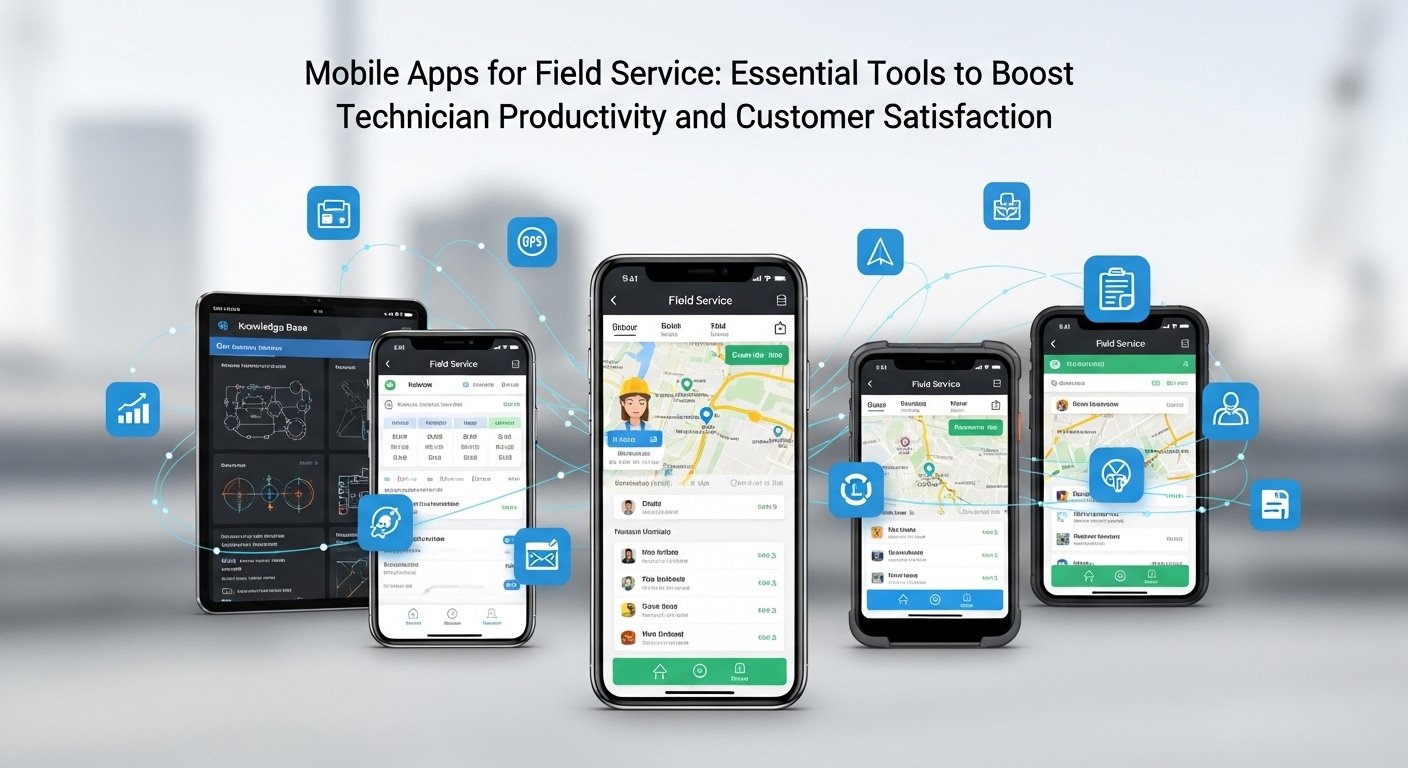
You need tools that keep your team organized, reduce travel time, and close jobs faster — mobile field service apps do all three by putting scheduling, work orders, asset history, and customer communication into your technician’s pocket. A good app lets you dispatch smarter, capture job data offline, and invoice on site so you finish more workdays with paperwork done.
This article Mobile Apps for Field Service shows which features matter, how those features translate into real benefits for your business, and what to look for when choosing a solution for solo techs or large crews. Expect practical comparisons and clear criteria so you can pick an app that fits your workflow and improves first-time fix rates.
Key Features of Mobile Apps for Field Service
You need tools that let you manage work orders, schedule technicians in real time, track assets across locations, and keep technicians communicating efficiently. Each feature below details practical capabilities you should expect and how they change daily field operations.
Work Order Management
Work order management should let you create, view, and close orders from the field without delays. Your app must display customer details, service history, required parts, safety notes, and step-by-step tasks on a single screen so technicians don’t jump between menus.
Use templates and checklists to standardize repeatable jobs and reduce errors. The app should support photos, signatures, barcode or QR scans, and time stamps for each task entry to create auditable records. Offline editing with automatic sync preserves data when connectivity drops.
Integrations matter: connect work orders to your ERP, inventory, and billing systems so parts consumption, invoicing, and warranty claims update automatically. Look for configurable workflows that route approvals or escalations based on job type, cost, or SLA status.
Real-Time Scheduling
Real-time scheduling gives you dynamic dispatching that reacts to traffic, technician location, skills, and part availability. Your scheduler should visualize calendar and map views, let you drag-and-drop jobs, and show ETA adjustments after route changes.
Automation features like skill-based matching, shift rules, and priority overlays reduce manual conflicts and speed response for urgent tickets. Push notifications keep technicians aware of reassignments and job updates the moment you change a schedule.
Measure schedule performance with live KPIs: travel time, first-time fix rate, and SLA adherence. Use route optimization to minimize drive time and ensure the app recalculates when a technician accepts a high-priority job or reports delays.
Asset Tracking
Asset tracking should let you locate equipment, view service history, and access warranty and contract info from the field. Link each asset to a serial number, installation date, and past work orders so technicians can diagnose issues faster.
Include GPS location, geofencing, and QR/barcode scans to confirm asset identity and status at the job site. The app should track installed parts and serial changes, automatically updating inventory and maintenance schedules when a replacement occurs.
Enable predictive indicators by logging runtime hours, sensor telemetry, or recent fault codes. That data helps you trigger preventive tasks and reduce unscheduled downtime while keeping spare-part levels aligned with actual usage.
Technician Communication
Technician communication must be immediate, clear, and context-rich to avoid rework. Provide in-app messaging, voice notes, and photo sharing tied to specific work orders so technicians and dispatchers have the same visual and textual context.
Offer access to knowledge articles, wiring diagrams, and troubleshooting flows within the job view to cut phone calls and speed repairs. Allow technicians to escalate to subject-matter experts via one-tap video or screen-share when they encounter complex failures.
Audit trails for messages, approvals, and status changes create accountability. Also include automated customer notifications—ETA texts, arrival confirmations, and completion receipts—to reduce inbound calls and improve customer experience.
Benefits of Implementing Field Service Mobile Apps
These tools reduce time wasted on paperwork and travel, give you accurate job and asset data at the point of work, and improve how you communicate with customers and the office.
Improved Operational Efficiency
Mobile apps let your technicians receive schedules, route changes, and work instructions in real time, cutting down on phone calls and dispatcher delays.
You can optimize travel by sending turn-by-turn directions and updated job sequences, which reduces drive time and increases the number of daily jobs per tech.
Use offline-capable apps so your crew records work even without connectivity; the app then syncs automatically when signal returns.
Digital checklists, photos, signatures, and barcode scanning replace manual entry, reducing rework and misfiled paperwork.
Consider workflows that automate parts ordering and inventory allocation from the job screen.
That prevents repeat visits caused by missing parts and speeds invoice preparation, helping you turn jobs around faster and improve technician utilization.
Enhanced Customer Experience
You give customers accurate arrival windows and live status updates, lowering missed appointments and inbound status calls.
Automated SMS or email notifications with technician name, ETA, and progress improve trust and reduce cancellations.
Technicians can show photos, completed checklists, and digital signatures on site, which increases transparency and shortens dispute resolution time.
You can collect on-site payments or capture electronic agreements to complete billing before the technician leaves.
Integrate customer records so techs access service history, warranties, and special instructions instantly.
That context lets your team resolve issues more completely on the first visit and improves Net Promoter Score and repeat business.
Data Collection and Reporting
Mobile apps capture structured field data—timestamps, GPS coordinates, labor hours, parts used, and photos—without manual import.
You get consistent, auditable records that power accurate billing, compliance evidence, and warranty tracking.
Use dashboards and scheduled reports to monitor KPIs such as first-time fix rate, mean time to repair, and travel time per job.
These metrics let you identify training needs, frequently failing assets, and route inefficiencies.
Enable automated triggers that create follow-up tasks or parts replenishment when specific conditions occur.
That reduces stockouts and shortens lead time for recurring repairs while feeding cleaner data into long-term forecasting models.